Notifications and Dock
Choose how BetterDisplay gets your attention and when you want to see it in the Dock. Event notifications can use macOS banners, app dialogs or no ordinary notification at all. Dock visibility is a separate choice, so you can adjust one without changing the other.
Where to find it: Settings > Application > Notifications and Dock.
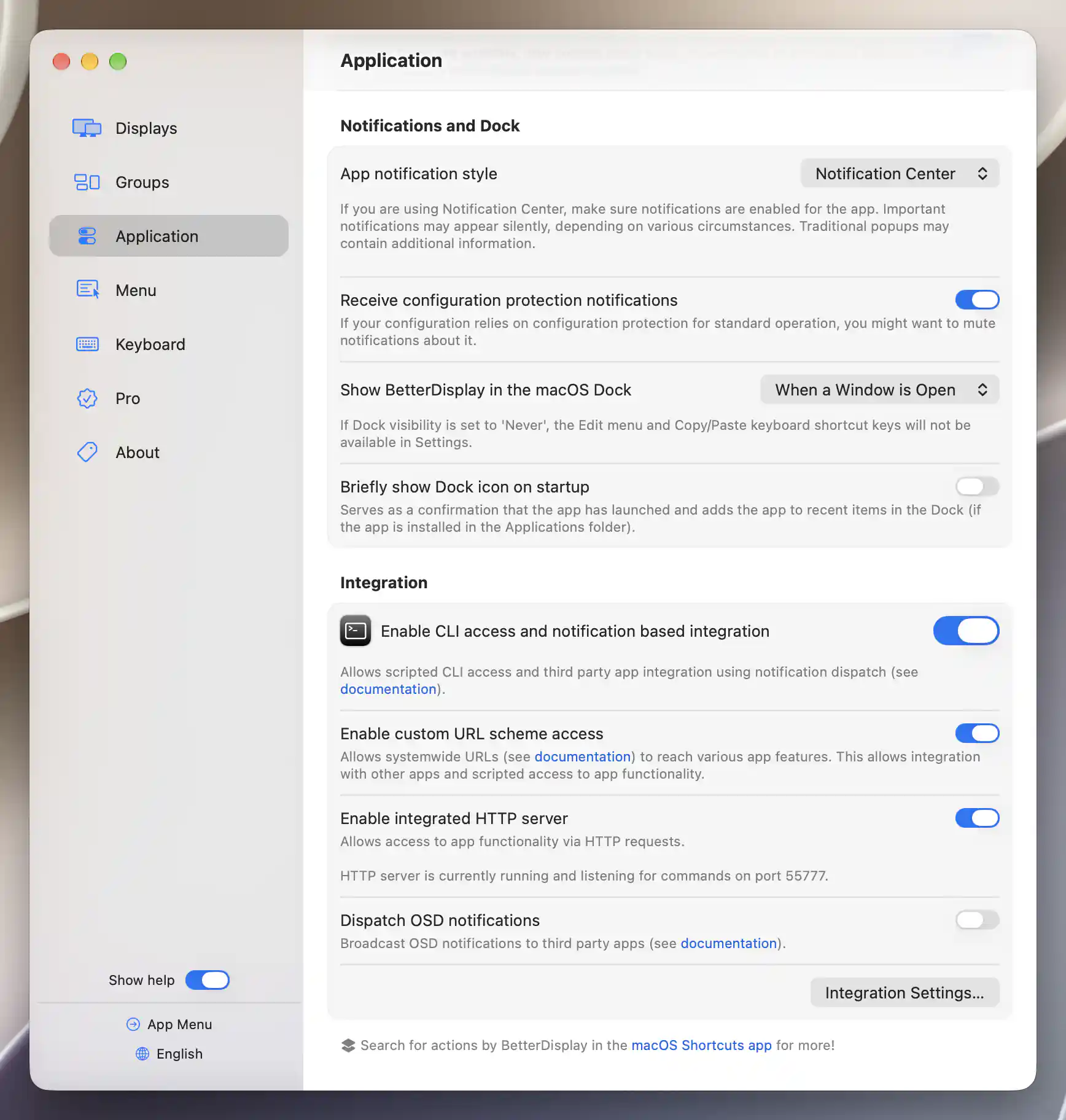
Notification style, configuration-protection notices and Dock visibility are app-wide preferences.
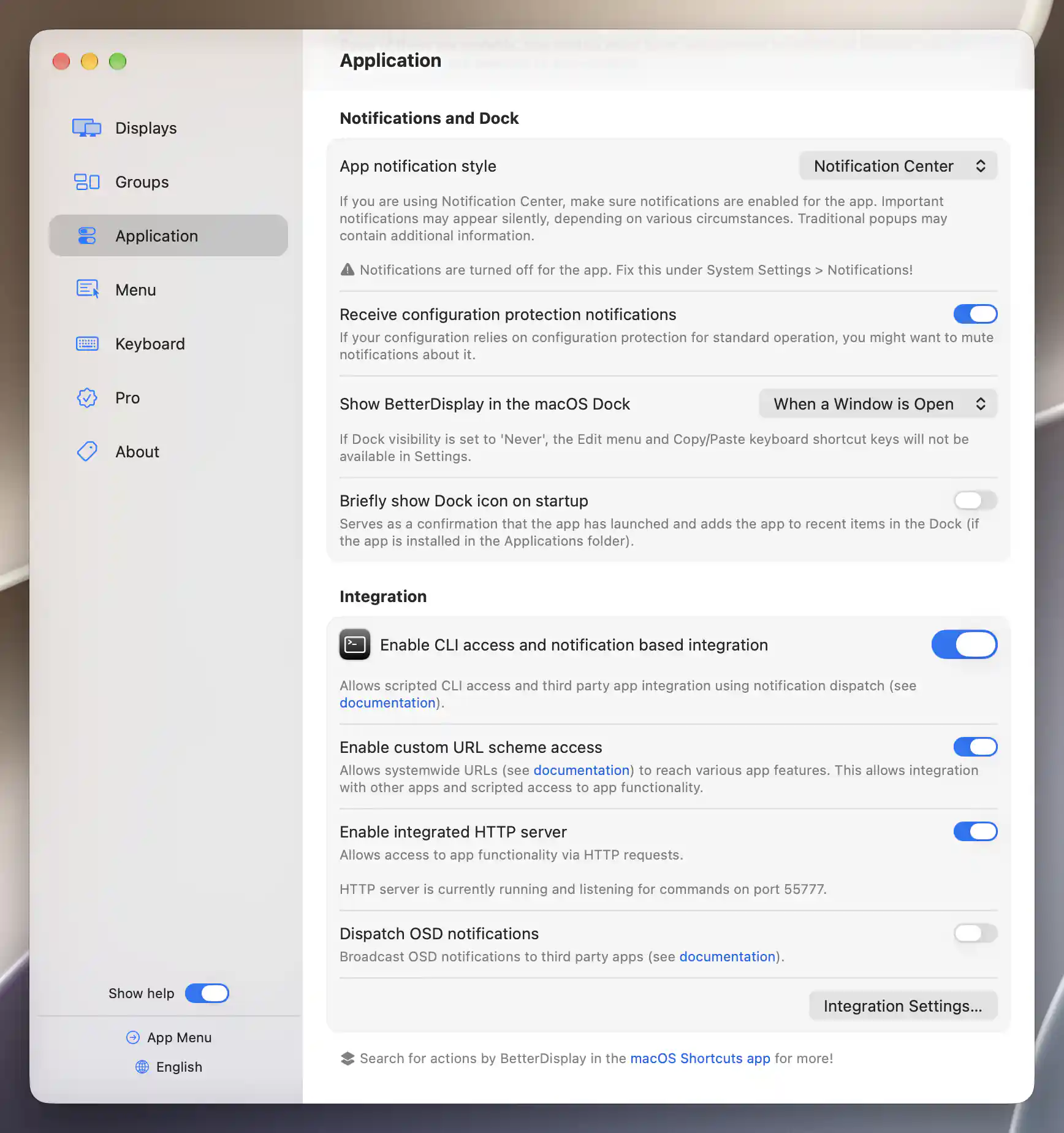
The warning appears when macOS notifications are disabled for BetterDisplay.
Notification style
Use App notification style to choose the presentation you prefer:
- Notification Center sends app notifications through macOS. This is the default. Allow alerts for BetterDisplay under System Settings > Notifications; the pane warns when notifications are turned off. Some notifications may appear silently depending on system circumstances.
- Traditional popups uses app dialogs, which can include additional information.
- Disable suppresses notifications handled by this preference. It does not remove action confirmations or all other app dialogs.
Reduce routine protection notices
If Configuration Protection regularly restores your setup, you may not need a notification each time. Receive configuration protection notifications lets you control those notices while keeping other event feedback. The option appears only when Notification Center is selected.
Dock visibility
Choose when you need a Dock entry under Show BetterDisplay in the macOS Dock:
- When Settings is Open, the default, ties it to the Settings window.
- When a Window is Open includes other app windows.
- Always keeps the entry available.
- Never hides it.
The choice takes effect when changed and is remembered.
Show a launch indication
Briefly show Dock icon on startup gives you a brief indication that BetterDisplay has launched. It can also add the app to Dock recent items when installed in Applications. The option is off by default and unavailable when Always already keeps the icon visible.
For feedback during brightness or volume changes, see OSD; those overlays are separate from event notifications.
Additional information
This section explains licensing requirements and platform compatibility for the features described above.
Features requiring Pro license
Notification and Dock preferences do not require Pro. Configuring a notice about Configuration Protection is separate from the Pro requirement of the protection feature itself.
Platform compatibility
All features described on this page are available on both Apple silicon and Intel Macs. Notification Center presentation also depends on macOS notification permission and circumstances.